Get closer to the rescue.
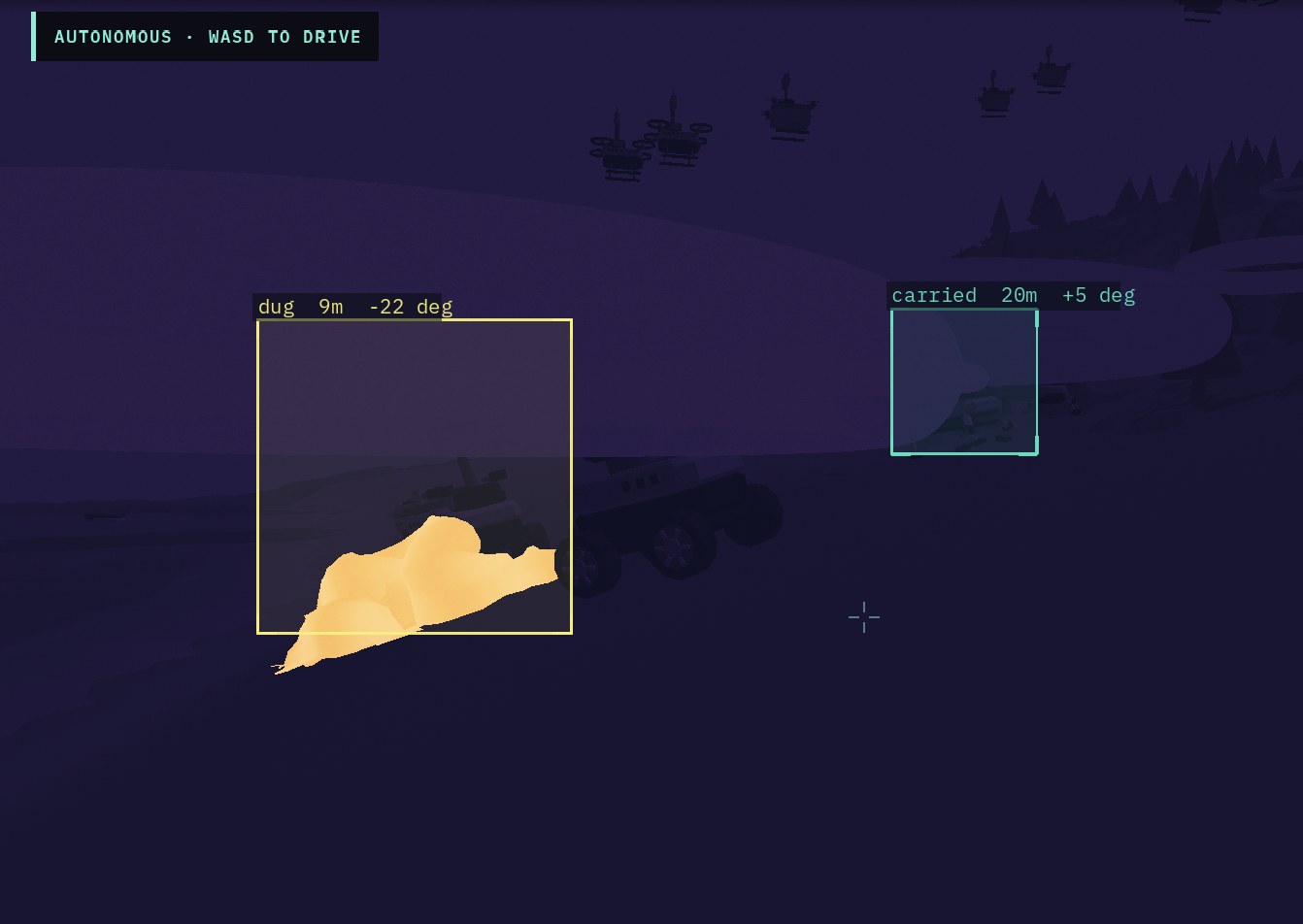
Follow a robot into the scene. Contact boxes show rescue stages, distance, and bearing. The optional thermal overlay is a display-only visualization; the swarm’s detector reads separate occluded camera frames.
 蚁群
蚁群
Small robots. Shared purpose.
A swarm that searches, adapts, and works together.
Built to explore what robotic rescue could become.
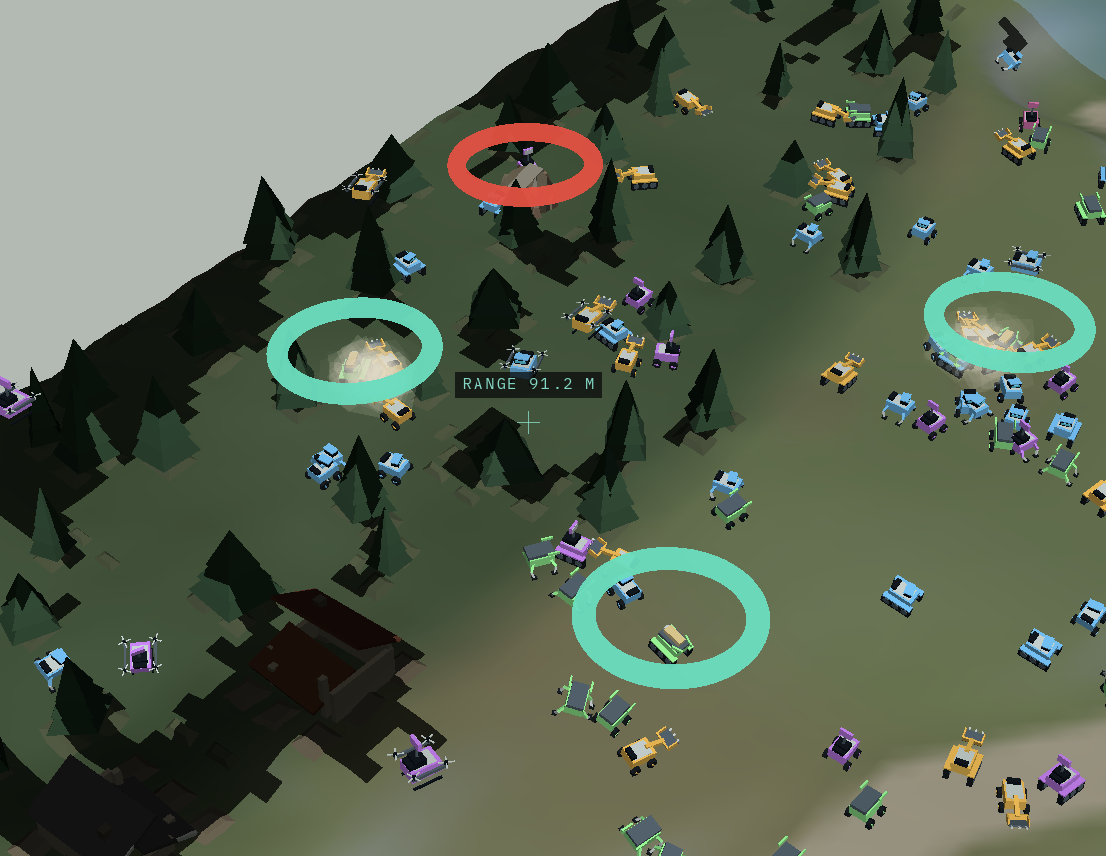
When the terrain is uncertain, teamwork matters. YiQun brings scouts, diggers, carriers, and relays together to find casualties and bring them to safety.
Watch a mission unfold in Godot: exploration, coordination, and recovery, one decision at a time.
Meet the rescue fleet512robots in the demo
4complementary roles
1shared rescue mission
Simulated world.Every robot has a part to play. Meet the four roles
that keep a rescue moving.
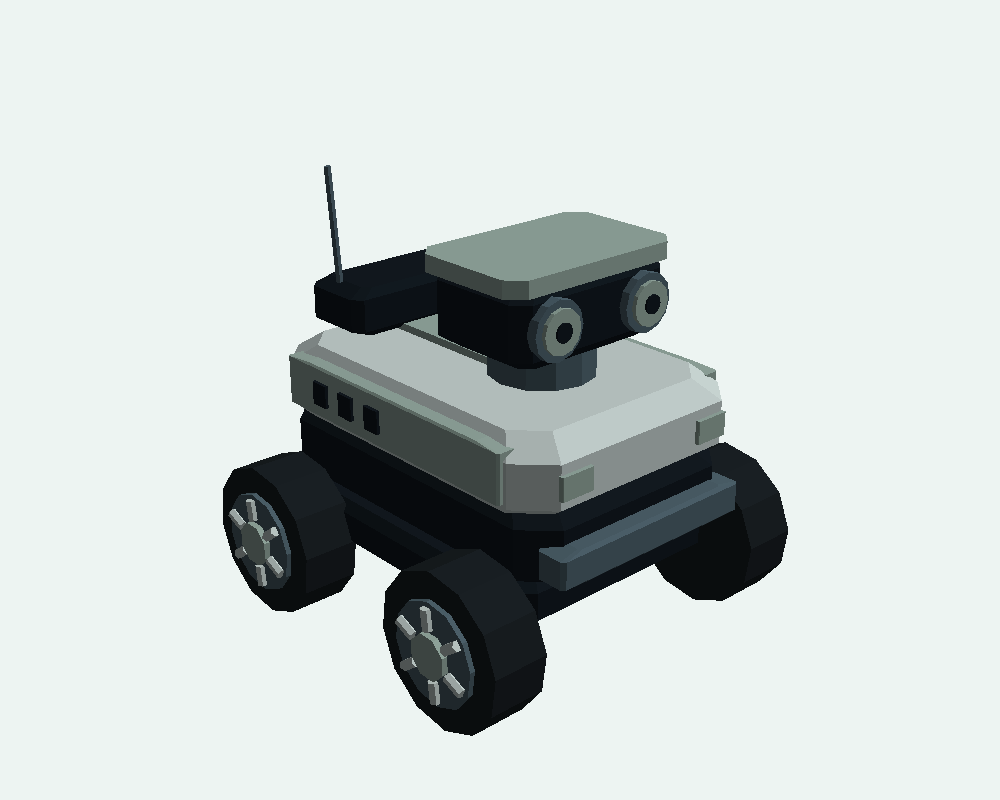 Original YiQun model Studio view
The first to look.
Small, curious, and built to explore. Scouts reveal the unknown and look for casualties through their own occluded camera view.
One of 15 original model variants. Tools define the role; chassis define how each robot moves.
A shared view. A considered response.
Step inside the actual Godot application.
Follow the fleet, read the mission, and take the controls.
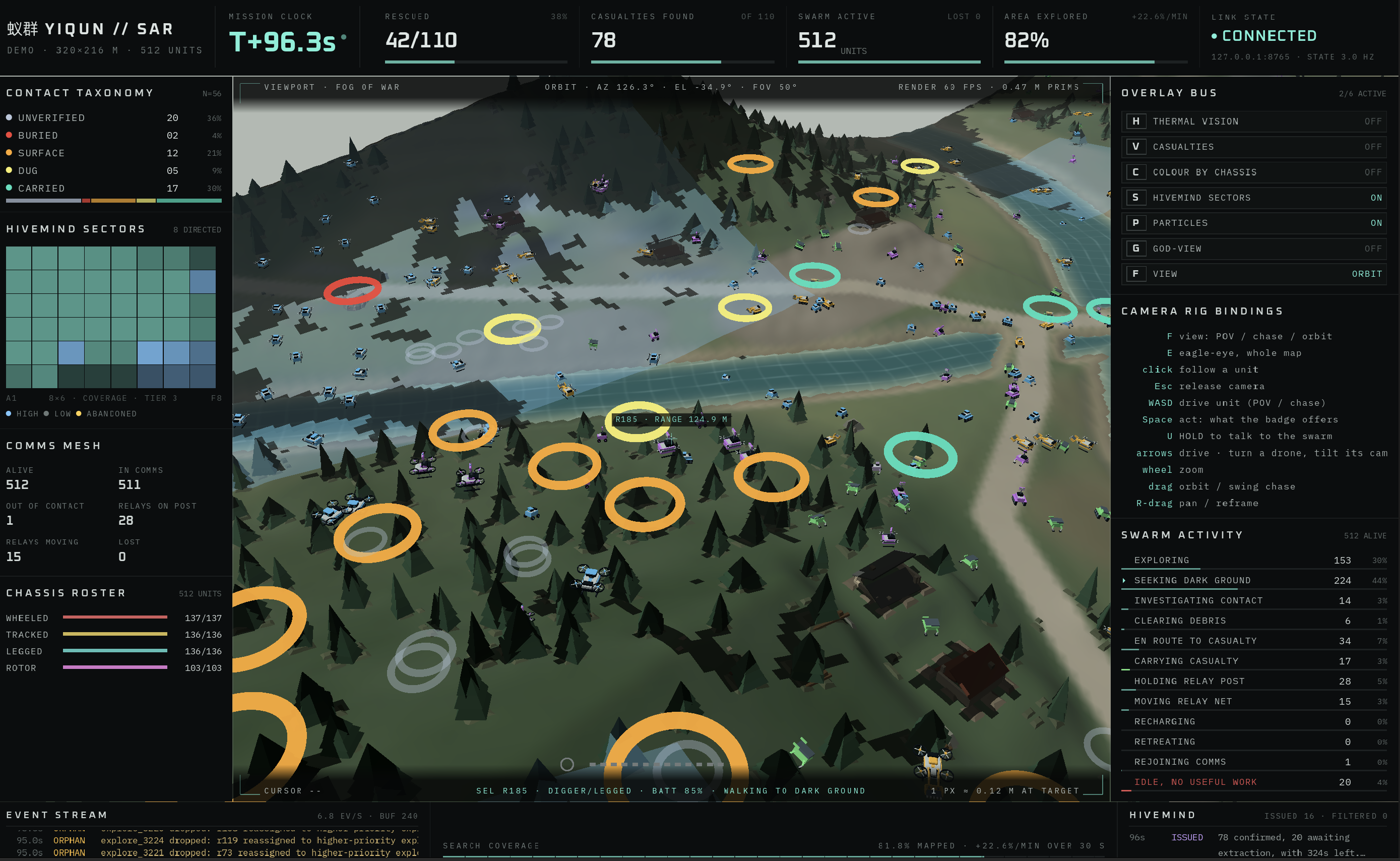
The Godot dashboard at T+96.3 s: 512 active robots, 42 of 110 casualties rescued, and 82% explored. The viewport is explicitly fog-of-war; god-view and casualty pins are off. These are values from this captured moment, not a benchmark.
Follow a robot into the scene. Contact boxes show rescue stages, distance, and bearing. The optional thermal overlay is a display-only visualization; the swarm’s detector reads separate occluded camera frames.
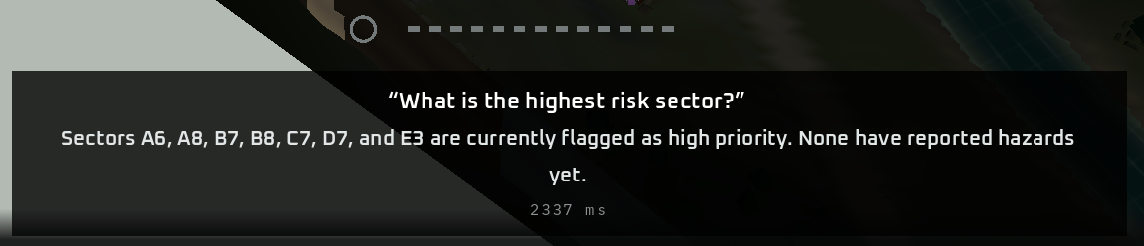 Actual operator exchange · captions from Godot
Ask the swarm a question out loud. The optional voice channel combines speech, the fog-limited swarm view, and shared telemetry to answer. Spoken orders pass the same feasibility filter as strategic directives.
An experimental simulation, built for Hack the North. Optional AI features are interfaces, not a measured rescue-performance improvement.
A robot can fail. A model can go offline. The swarm’s decentralized task auction keeps allocating work and re-offering orphaned tasks.
Three layers of control, each with a clear responsibility. Strategy helps. Local coordination keeps the mission moving.
Collision avoidance is the safety floor. Higher-level plans never bypass the local wall-avoidance override.
Robots bid for tasks they can perform. The market-based single-round reverse auction allocates work and recovers orphaned tasks without relying on an AI model.
The hivemind proposes sector priorities, not per-robot motor commands. An optional openJiuwen response team adds a rescue lead, logistics specialist, and safety reviewer. Orders are filtered and expire after 30 seconds; scripted fallback covers failed model calls.
Start with a small headless mission.
Then bring the world to life in Godot.
3D visualization. Custom 2.5D kinematic simulation.